Web & software · 2026
Timesheets for the project team
Annex 8 timesheets, generated and checked across every project at once.
- Field
- Web & software
- Client
- digit-all.ro
- Year
- 2026
- Status
- In production
01 About the project
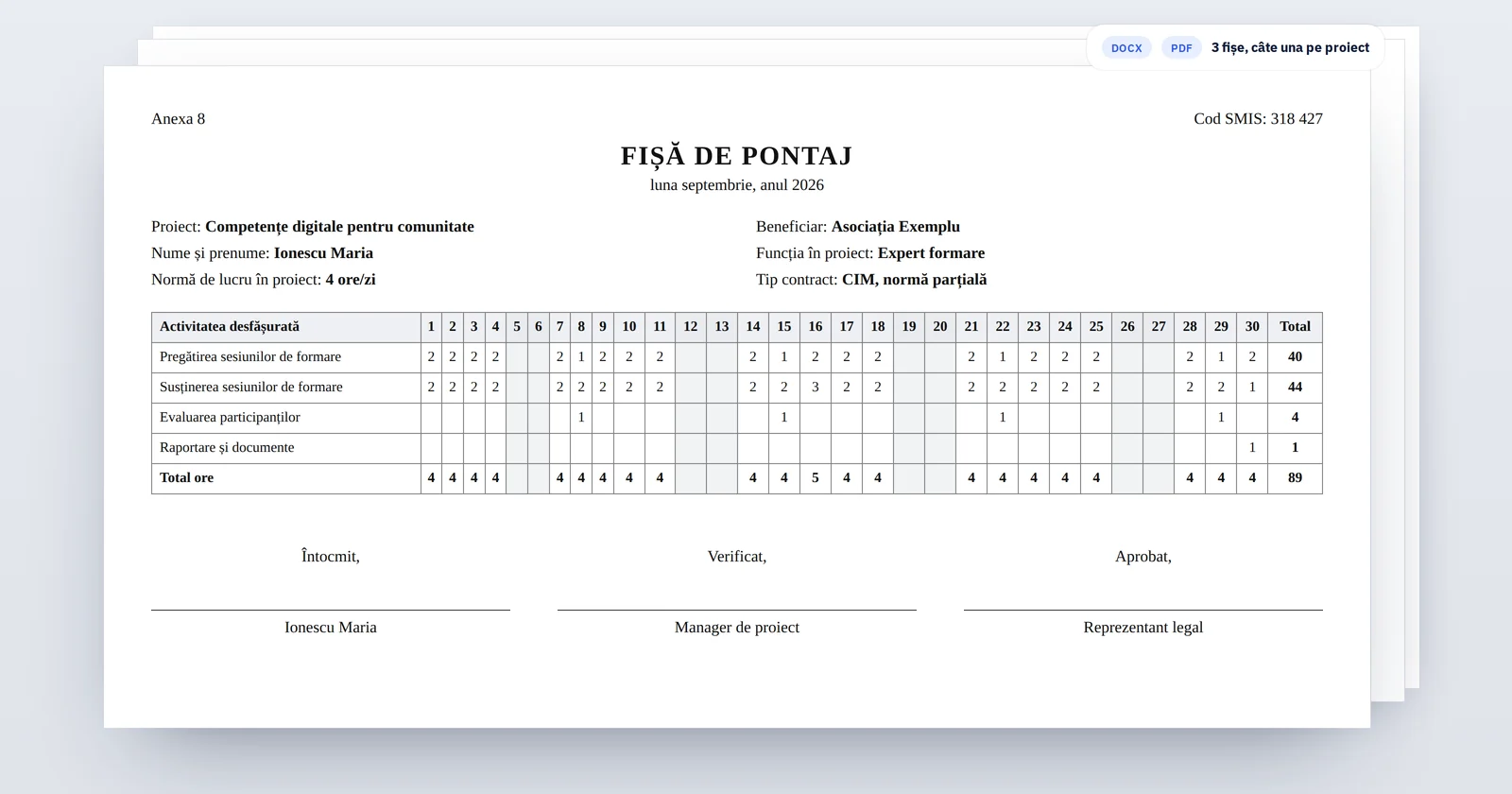
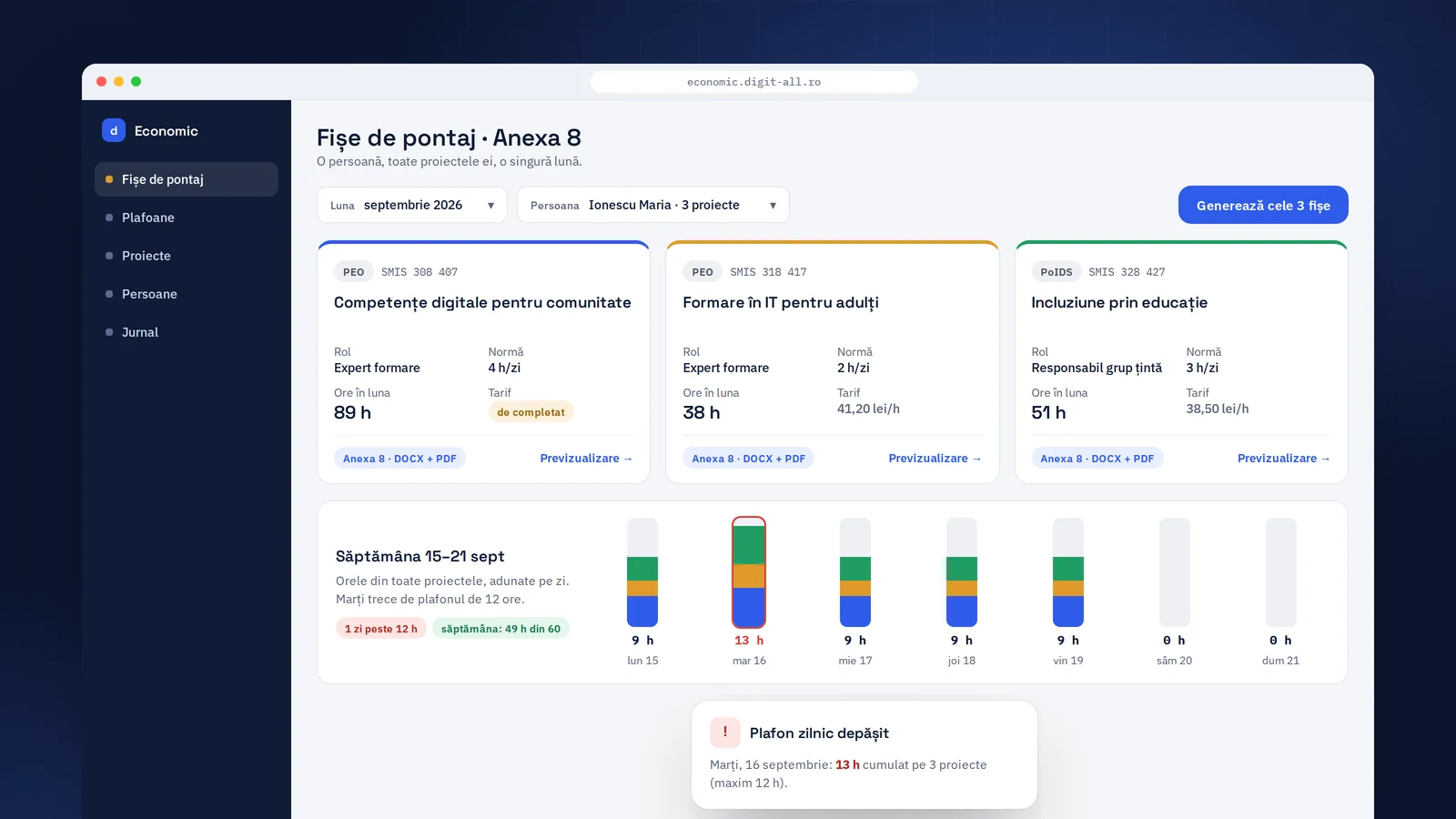
The financial side of the ESF+ project platform: the team's timesheets. Choose the month and the person, and the Annex 8 timesheets come out for every project that person works on, ready to sign.
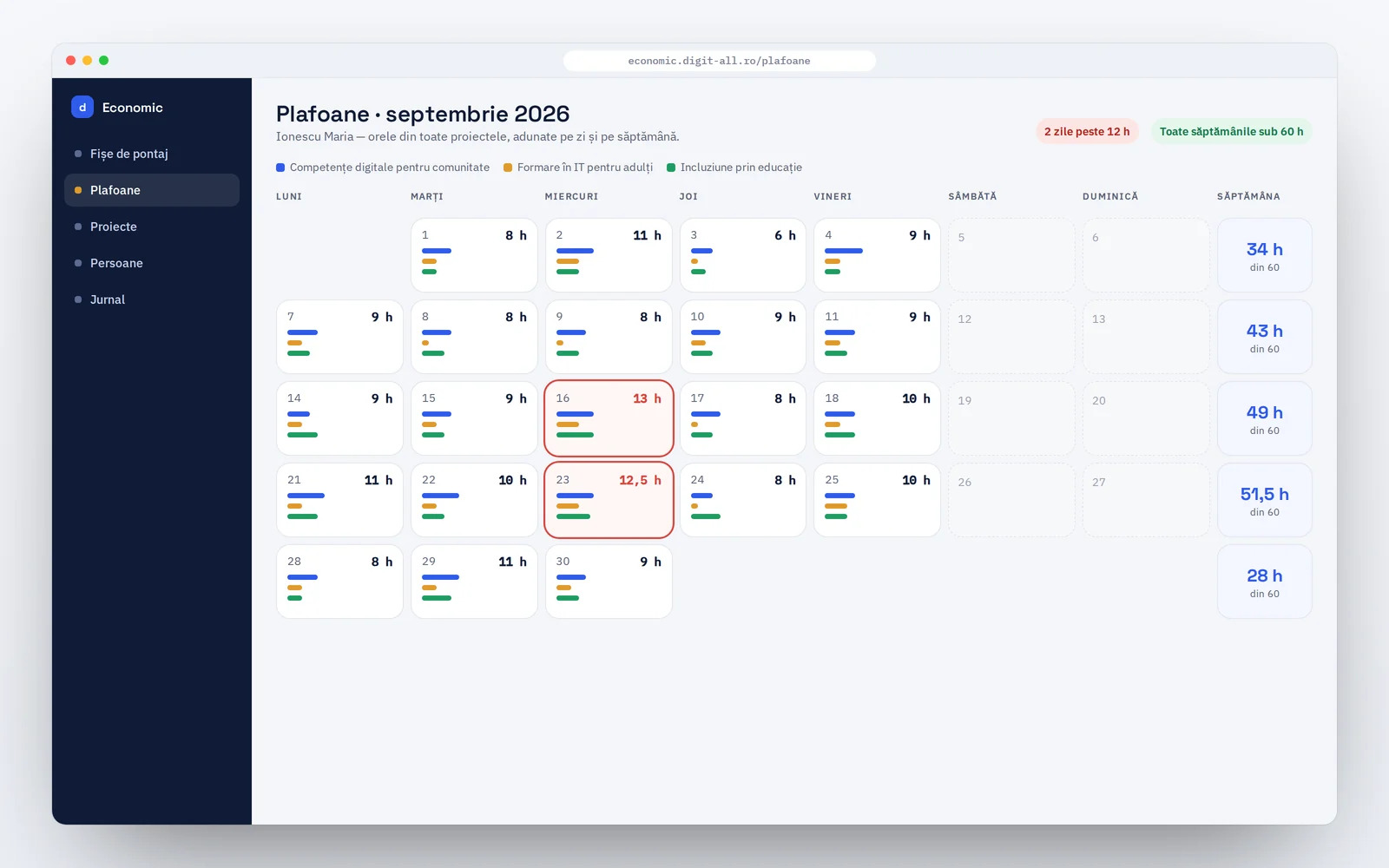
The app also checks the legal limit on hours, added up across all projects, so an overrun shows up before submission, not during an audit. It opens straight from the management platform, with the same account.
02 In numbers
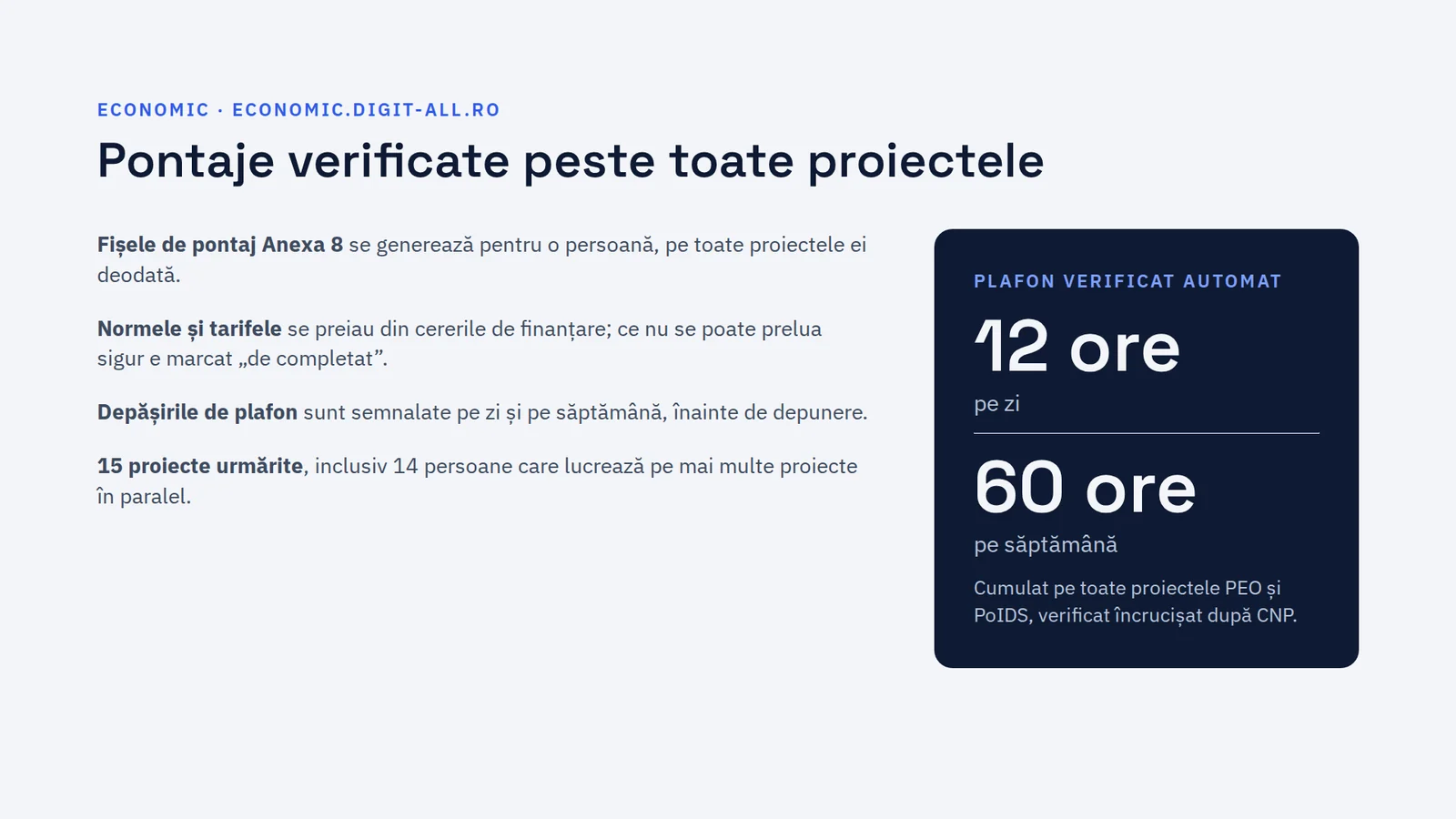
- 15projects tracked
- 14people on several projects
- 12 hdaily limit, checked automatically
The weekly limit of 60 hours is checked the same way.
The challenge
The same people work on several ESF+ projects at once, each with its own hours and rate from the funding application. Timesheets were made in Excel, project by project, and the limit of 12 hours a day and 60 a week, across all projects, was checked by hand, row by row.
The outcome
The app tracks 15 projects, with 14 people working on several of them. Timesheets are generated for all of a person's projects at once, and the limits page instantly shows any day over 12 hours or week over 60, added up across projects and matched by personal ID number.
03 My contribution
- 01
The Annex 8 generator: one person and one month, all of their projects at once, in Word and PDF, with a preview before download.
- 02
The limits page: hours added up per day and per week across all projects, with overruns flagged before submission.
- 03
Data for the 15 projects (two organisations, six funding calls) taken from the funding applications: hours, rates and roles. Anything that can't be taken over reliably is marked “to be completed”, and new projects are added through forms.
- 04
The same people as in the training documents (Annex 2 and Annex 3) of the management platform, with no double entry, and a separate role for people who only work on the financial side.
- 05
Next step: planning several months ahead, with hours distributed automatically across projects, so the Excel Gantt chart lives directly in the app.